Arzopa S1 Table 15.6″ 1080p Portable Monitor — Detailed Description (250+ words)
The Arzopa S1 Table is a 15.6-inch portable monitor built to expand your workspace without weighing you down. At its core is a Full HD (1920×1080) 15.6″ display that balances sharpness and portability — big enough for comfortable multitasking or gaming on the go, yet compact enough to slip into a messenger bag or laptop backpack. The S1 aims to be a versatile second screen for remote workers, content creators, students, and casual gamers who need extra screen real estate away from the desk.
Display & Visual Quality
The S1’s 1080p panel delivers crisp text and clear images at typical laptop viewing distances. Colors are vivid and viewing angles are wide (the panel commonly uses an IPS-type technology), so sharing the screen with a colleague or watching video from slightly off-center positions produces minimal color shift. The display is tuned to present accurate midtones and good contrast for everyday work — spreadsheets, browsing, video calls, and photo review — while still being enjoyable for streaming and light gaming.
Connectivity & Convenience
Designed for plug-and-play convenience, the monitor supports modern connection options such as USB-C (carrying video and power through a single cable) plus a traditional HDMI input for compatibility with older laptops, gaming consoles, and media players. This means you can connect phones, tablets, Windows and Mac laptops, and many consoles with minimal adapters. It typically draws power from a single cable, simplifying your setup when you’re mobile.
Build, Portability & Stand
The Arzopa S1 Table emphasizes portability: the chassis is thin and lightweight with a durable exterior that stands up to travel. It often comes with a folio-style protective case that doubles as an adjustable stand, letting you prop the monitor at several comfortable viewing angles.
Audio, Controls & Extras
Small built-in speakers provide basic audio for calls and casual media; for richer sound you can plug in headphones or external speakers. On-screen display (OSD) controls allow brightness and color adjustments, and some models include presets for gaming, reading, and movie modes. The S1 usually supports simple brightness levels and color temperature adjustments to reduce eye strain during long sessions.
Use Cases & Performance
This monitor shines as a second display for productivity (document editing, reference windows, email), for creatives needing an extra canvas while traveling, and for gamers who want a portable screen for console play. Its 1080p resolution keeps text legible and workspace roomy enough for most productivity tasks.
Pros & Cons (at a glance)
-
Pros
-
Lightweight, truly portable 15.6″ 1080p display.
-
USB-C + HDMI connectivity for broad device support.
-
Compact protective folio/stand for fast setup on the go.
-
Wide viewing angles and generally good color out of the box.
-
Cons
-
Built-in speakers are basic — external audio recommended for rich sound.
-
Not a replacement for high-end professional color-accurate monitors.
-
If you need ultra-high refresh rates for competitive gaming, this model is more mainstream than specialized

 IPad Mini 7 256gb 5G - Blue
1 × KSh 140,000.00
IPad Mini 7 256gb 5G - Blue
1 × KSh 140,000.00 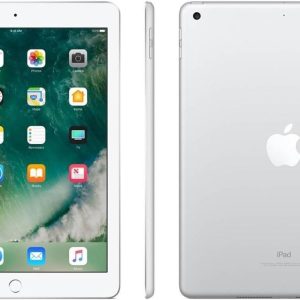 IPAD A1822 5th gen 128GB 9.7 wifi only
1 × KSh 23,500.00
IPAD A1822 5th gen 128GB 9.7 wifi only
1 × KSh 23,500.00 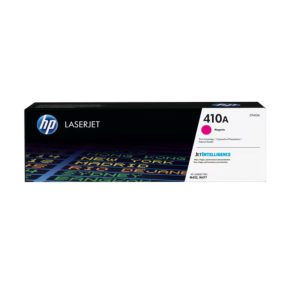 HP 410A Magenta Original LaserJet Toner Cartridge (CF413A)
1 × KSh 20,000.00
HP 410A Magenta Original LaserJet Toner Cartridge (CF413A)
1 × KSh 20,000.00 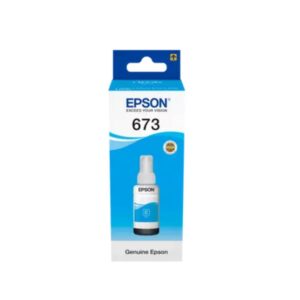 Epson T6732 Cyan 70ml Ink Bottle
1 × KSh 1,500.00
Epson T6732 Cyan 70ml Ink Bottle
1 × KSh 1,500.00  Epson L1300 A3 Ink Tank Printer
1 × KSh 92,000.00
Epson L1300 A3 Ink Tank Printer
1 × KSh 92,000.00  Samsung Galaxy A37 8GB Ram/ 256GB Storage
1 × KSh 53,700.00
Samsung Galaxy A37 8GB Ram/ 256GB Storage
1 × KSh 53,700.00 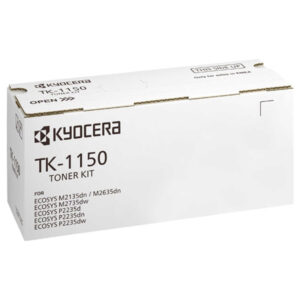 Black Kyocera TK-1150 Toner Cartridge(TK1150)
1 × KSh 5,000.00
Black Kyocera TK-1150 Toner Cartridge(TK1150)
1 × KSh 5,000.00  ASUS Prime Custom Gaming B760 D4 Motherboard
1 × KSh 320,000.00
ASUS Prime Custom Gaming B760 D4 Motherboard
1 × KSh 320,000.00 

There are no reviews yet.